- Credits
- 77
[FREE for Soehoe users ]
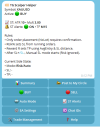
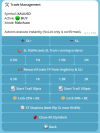
Telegram-controlled MT5 Expert Advisor that lets you open and manage trades directly from Telegram, including:
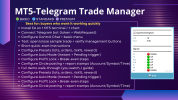
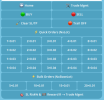
 One-tap Market Orders (NxLot grid buttons)
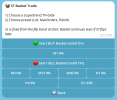
Basket Trading (layered orders) — Instant or Pending Trigger
Risk% Stop Loss (auto SL calculation based on your chosen risk)
Reward (R) Take Profit (TP based on R-multiples)
Profit Lock + Break-Even automation (multi-step BE logic)
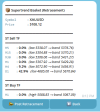
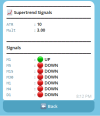
Supertrend Tools
Full installation & setup in MT5
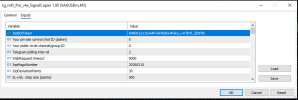
Telegram bot connection setup (token + WebRequest)
Configuration of your presets (lots / orders / risk% / step points)
Testing with demo trades to confirm buttons & management work
A simple user guide: “what to press + what it does”
Telegram-controlled MT5 Expert Advisor that lets you open and manage trades directly from Telegram, including:
What you can do from Telegram
One-tap Market Orders (NxLot grid buttons) Basket Trading (layered orders) — Instant or Pending Trigger Risk% Stop Loss (auto SL calculation based on your chosen risk) Reward (R) Take Profit (TP based on R-multiples) Profit Lock + Break-Even automation (multi-step BE logic) Supertrend Tools- TF trend summary + Flip alert
- ST Basket trade using fixed Supertrend band SL + layering
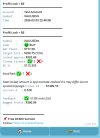
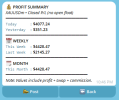
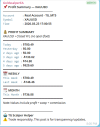
Reports + “Post to Circle” (send clean trade reports to your Telegram group/channel)
Time-stamped reports with Account Name + Symbol + Date/Time
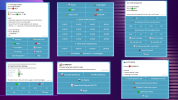
Full Version EA View attachment 171046
Full installation & setup in MT5 Telegram bot connection setup (token + WebRequest) Configuration of your presets (lots / orders / risk% / step points) Testing with demo trades to confirm buttons & management work A simple user guide: “what to press + what it does”